Effective user management is essential for maintaining compliance, data integrity, and workflow efficiency in regulated laboratory environments. This article explores how intuitive interfaces and role-based access controls streamline routine tasks, standardize analytical methods, and support secure, consistent density measurement processes.
One Click™ is a compliance-enforcing user interface. Its user-friendly design improves security and efficiency during routine labor tasks. Users can personalize displays and shortcut keys to launch analytics and workflows quickly and easily (Figure 1), enhancing overall usability, thereby reducing errors and boosting hereby laboratory efficiency.
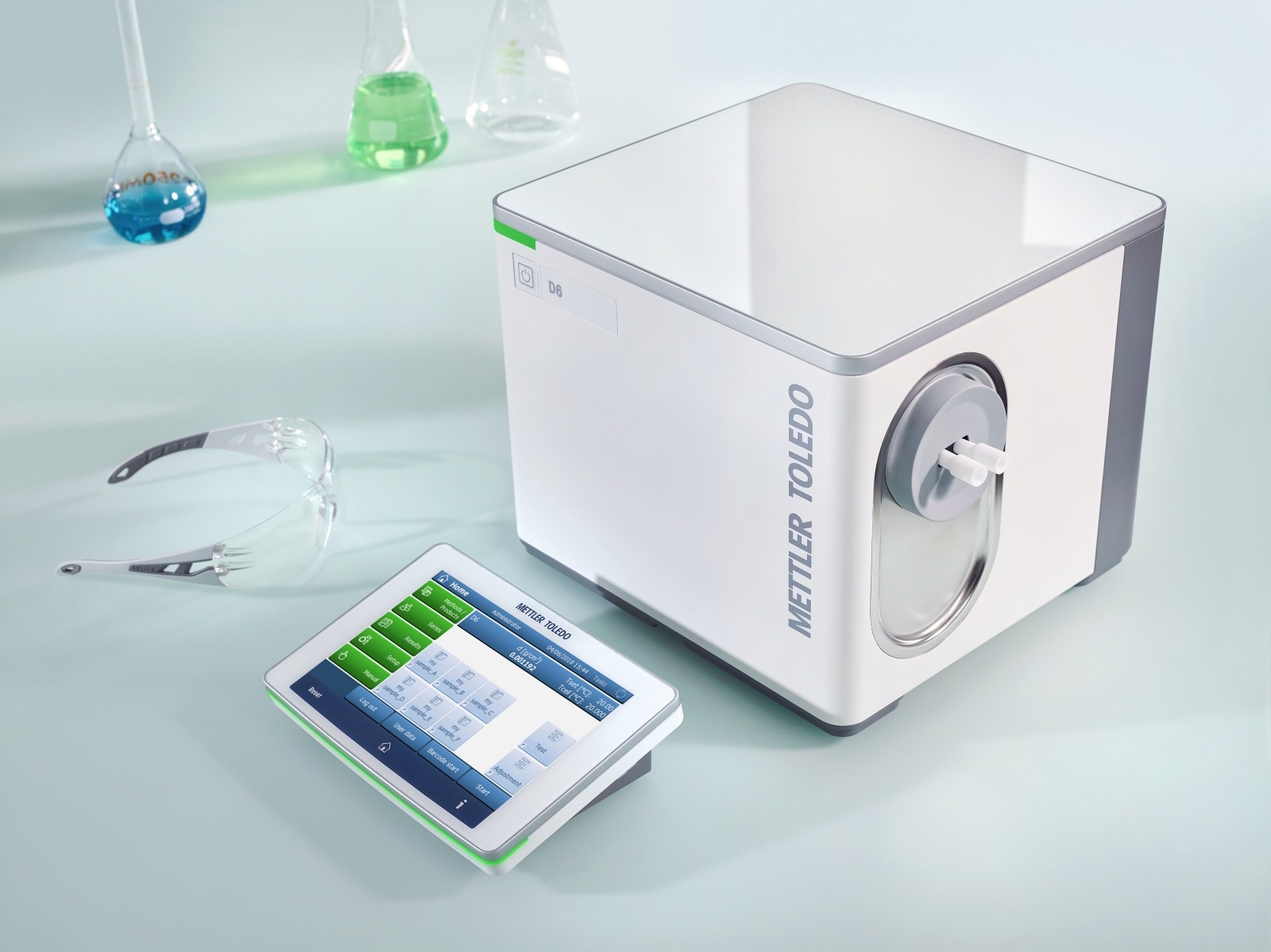
Figure 1. The One Click user interface supports compliance in the regulated environment. Image Credit: Mettler-Toledo International Inc.
One Click Supports User Management
Advanced user administration enables you to generate and manage login credentials for each user. You can also limit the instrument or system areas that each user has access to, as well as the functionalities offered.
Only one username and password are required to access the user's available applications. You can control, for example:
-
The methods or applications a user can access
-
Whether access is read-only
-
If a user can change settings
-
The areas a user can access within the system
-
The resources that each user can access, given multiple resources
User Management plays a crucial role in contributing to the overall security of your business by making it easier for your users to access the functions and data they need, while also simplifying the use of METTLER TOLEDO services within your organization. For instance, lab personnel require access to specific elements of the analytical procedures used in their laboratory, whereas lab management needs to configure how these methods operate to ensure smooth and secure workflows.
Application Methods: User-Specific SOPs
One Click methods enable users to initiate a sequence of analysis procedures with predefined, fixed parameters by simply touching a shortcut on the home screen (Figure 2). One Click procedures are quick and groundbreaking, ensuring that analyses are consistently performed under identical conditions.
One Click methods allow the measurement of multiple samples in a series using the same method and parameters, regardless of the user. This not only boosts measurement repeatability and reproducibility, but it also improves efficiency and compliance.
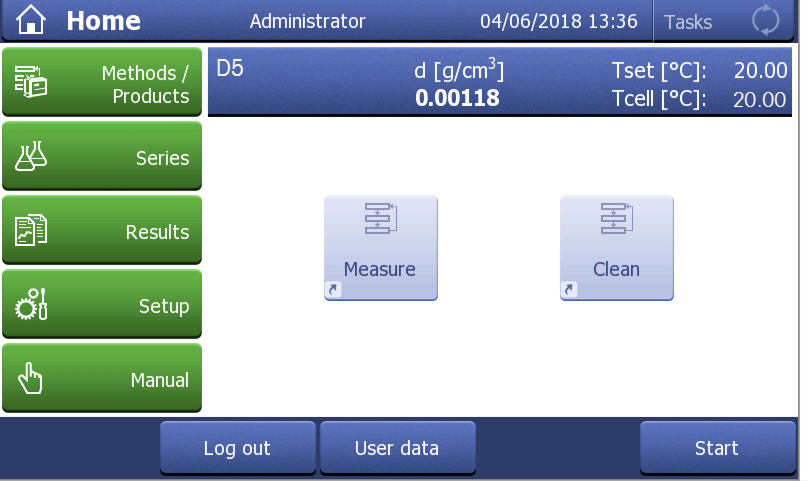
Figure 2. Define methods for each user and create shortcuts on the home screen. Image Credit: Mettler-Toledo International Inc.
A smart user management system can limit the ability to modify One Click method settings to a specific subset of users. One Click methods can either commence preset METTLER TOLEDO methods or start methods with parameters that the user has specifically chosen and defined.
The automatic generation of statistical data using One Click techniques, including the mean and standard deviation across all samples, provides a rapid indication of the nature of the collected data.

This information has been sourced, reviewed, and adapted from materials provided by Mettler-Toledo International Inc.
For more information on this source, please visit Mettler-Toledo International Inc.