Maintaining accuracy in digital density measurement depends on more than just advanced instrumentation - it requires consistent verification, calibration, and quality control practices. This article outlines the essential routine tests, calibration procedures, and built-in quality control features that ensure reliable performance, minimize contamination risks, and support compliance in modern laboratory environments.
Routine Testing (Empty Cell Test and Air/Water Test)
Digital density meters are highly accurate instruments that rely on Peltier temperature control and complex algorithms to produce consistent findings. However, an important source of error is insufficient cleaning of the measurement cell.
If the previously measured sample is not entirely drained and the cleaning solvent is not completely eliminated, the following sample will get contaminated, rendering the measurement results incorrect.
To verify that the measurement cell is clean, the following tests are recommended:
Daily: Before taking measurements, test the equipment with both air and water (0.998203 g/cm3 at 20 °C).
Before every measurement: To avoid contamination, check the air value to ensure the measuring cell is empty and dry (Cell Test).
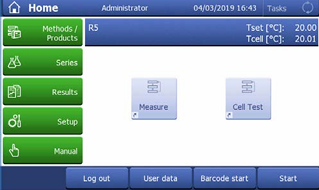
Figure 1. Run a cell check to avoid sample contamination. Image Credit: Mettler-Toledo International Inc.
To determine whether the density meter's measuring cell is totally clean and dry, the operator presses the appropriate key on the touchscreen (Figure 1). The instrument next measures the "empty" cell (which is actually filled with air); the result is then compared to the instrument's stored air value at the measured temperature (Figure 2).
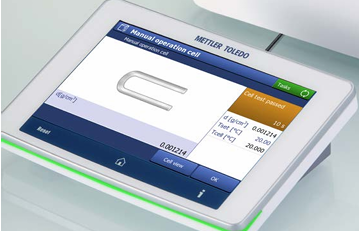
Figure 2. Digital density meters ensure reliable results. Image Credit: Mettler-Toledo International Inc.
If the value falls within a specified tolerance, the cell is regarded entirely clean and dry (Figure 3), and the next sample can be measured without risk of contamination; otherwise, a warning message is displayed.
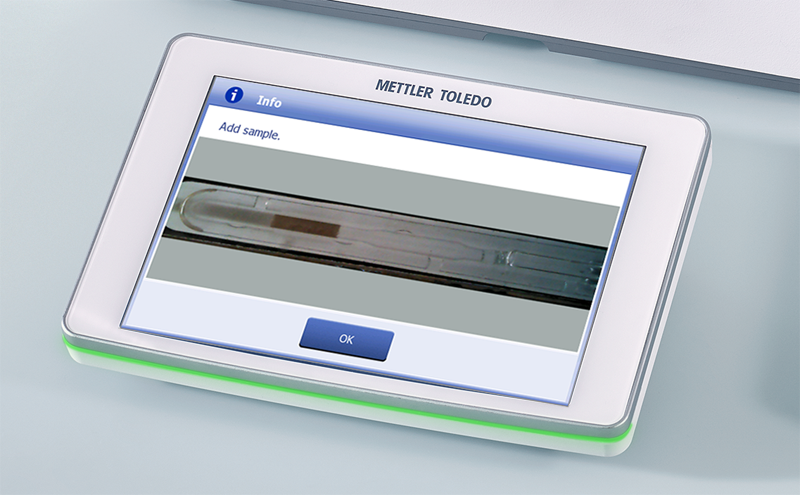
Figure 3. Video view. Image Credit: Mettler-Toledo International Inc.
Calibration
Density meters should be calibrated regularly (weekly, monthly, or even yearly, depending on QA needs) using traceable reference standards to meet internal and external audit requirements. METTLER TOLEDO provides certified reference standards with barcoded certificates for simple, quick, and error-free calibrations.
METTLER TOLEDO provides certified standards in a variety of ranges:
METTLER TOLEDO Excellence Density Meters allow you to create predefined intervals for test sets and automatically remind the operator. Measurement methods can be configured to notify the operator again or disable the instrument if the defined test interval has expired.
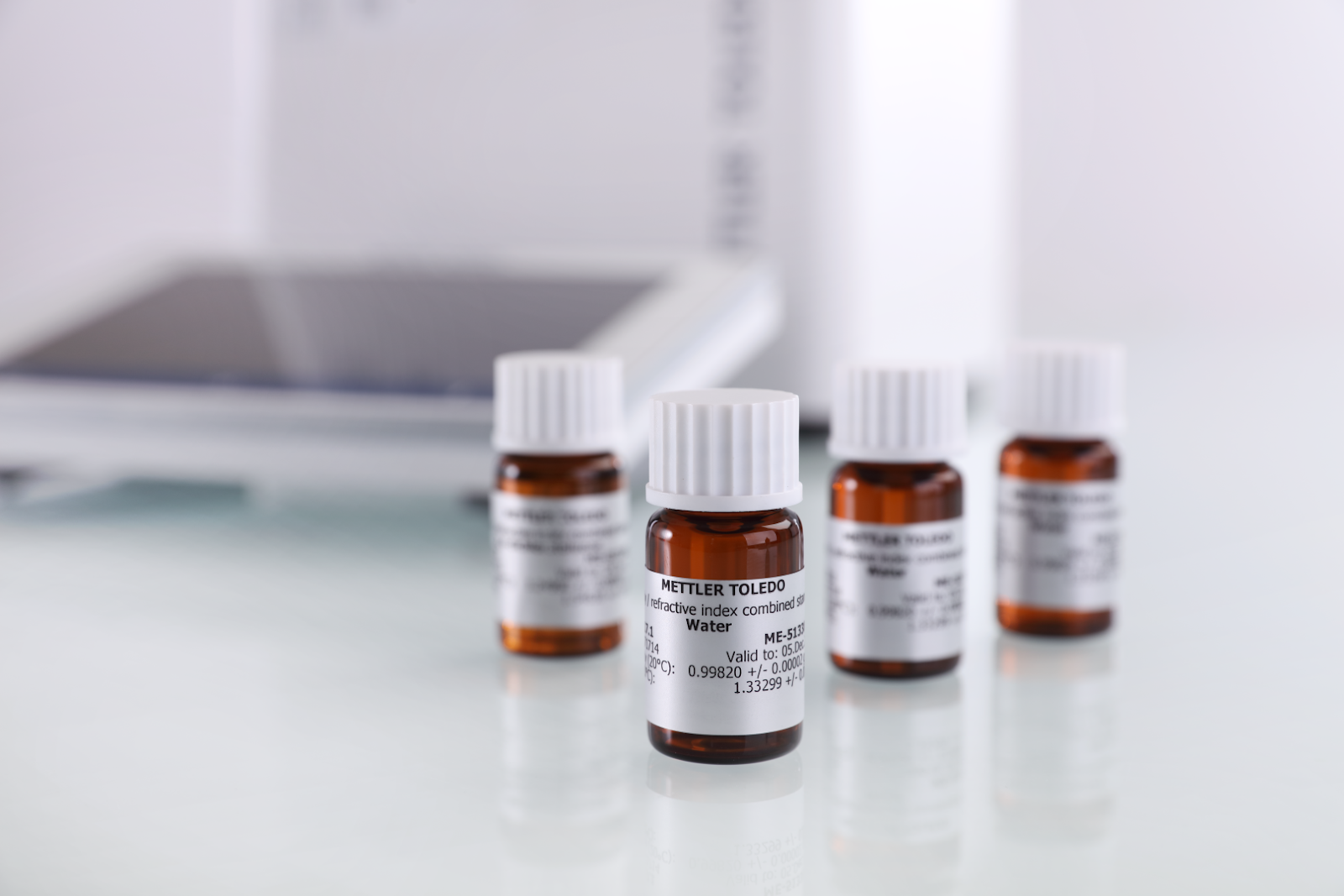
METTLER TOLEDO’s certified standards in a variety of ranges. Image Credit: Mettler-Toledo International Inc.
Adjustment
Adjustments should be made only when regular testing or calibrations fail repeatedly. Before making an adjustment, make sure the measuring cell is completely clean and dry. After cleaning the cell, repeat the calibration. If the calibration fails again, make an adjustment.
Built-in Quality Control
In quality control, the density is used to check if a product is within defined specifications or not. METTLER TOLEDO Excellence Density Meters offer a product approach. The same measurement method might be used for several samples, but some sample-specific parameters (like viscosity correction, filling speed etc.) can be defined for each product. The measured value is then compared with the target values set for the product, typically available in a LIMS, in an Excel file, or on a printed table.
Additionally, the lower and upper result limits can be defined for the Excellence, EasyPlus and Handheld Density Meters. Measured products are then automatically verified with the limits and the color of the result(s) indicates if specifications are met: green = passed, red = failed. This built-in quality control averts transcription errors and saves time.
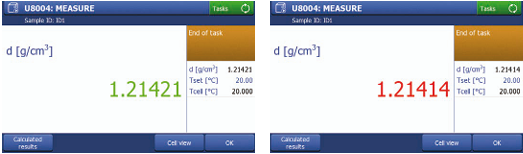
Screens shown from the Excellence Density Meters in use. Image Credit: Mettler-Toledo International Inc.
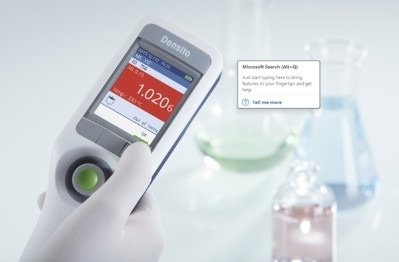
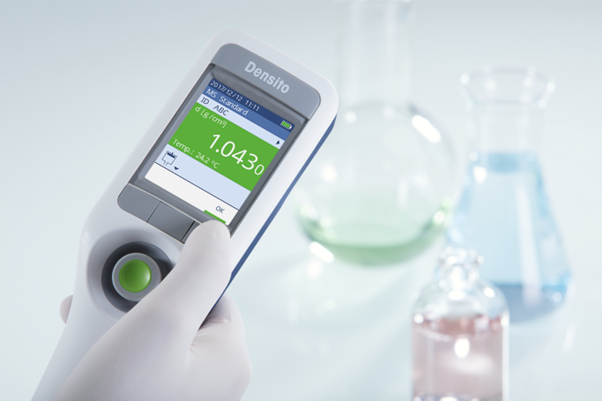
Handheld Excellence Density Meters in use. Image Credit: Mettler-Toledo International Inc.

This information has been sourced, reviewed, and adapted from materials provided by Mettler-Toledo International Inc.
For more information on this source, please visit Mettler-Toledo International Inc.